
Complete installation guide

Install IPTV Smarters Pro
on your device

Detailed, step-by-step instructions to set up your IPTV access on 8 different types of devices.

Before you start

Important requirements

Internet connection
A stable Wi-Fi or wired connection is required to load your channel lists

Access credentials
URL, username, and password for your subscription

Compatible device
Check that your model is supported before you start

Sufficient battery
For mobile devices, keep them plugged in during installation

Recommended speed

Depending on the quality you want

Need help?

Our team is here to help

Other devices

Switch guide

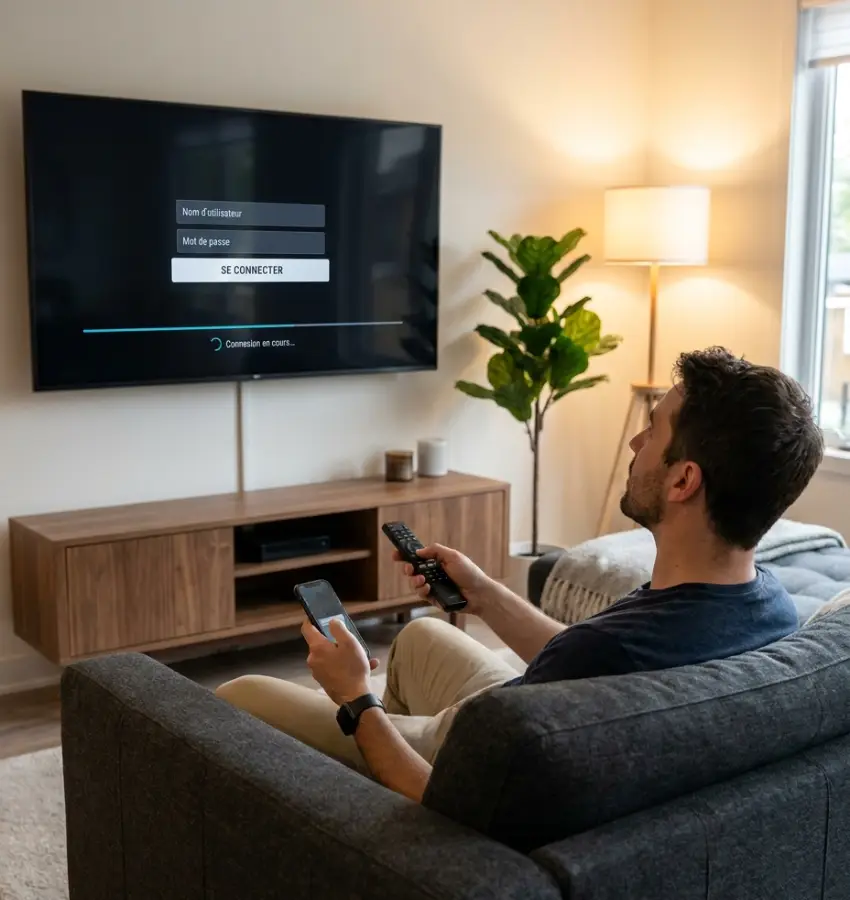
Installing IPTV Smarters Pro - entering credentials on Smart TV

Before you start
the installation

Before installing IPTV Smarters Pro, check that your device is compatible and that you have your access details ready to set up the app once installation is complete.

Strong8K offers a guide for each device to walk you through every step, from installing the app to entering your credentials.

A compatible device
Smart TV, Android TV, Fire TV, iPhone/iPad, Windows, or Mac.

Your compatible access
Credentials or a connection link provided after your plan is activated.

A stable internet connection
Usage quality may vary depending on your connection, your device, and available conditions.

Choose my device →

Set up IPTV Smarters Pro with your access

Once the app is installed, open IPTV Smarters Pro and enter the compatible access provided after your Strong8K plan is activated.

Depending on the method offered, you can set up the app with your credentials or a connection link. Carefully check the information entered before confirming.

1

Open the installed app

Launch IPTV Smarters Pro on your device and go to the setup screen.

2

Enter your compatible access

Enter your credentials or the connection link provided after activation.

3

Check your setup

Review the information before confirming to avoid input errors.

STEP-BY-STEP GUIDES

Installation guides by device

Choose your device and follow the detailed, step-by-step guide. Once the app is installed, connect your access details in just a few minutes.

FAQ — Installing IPTV Smarters Pro

The essential answers for installing the app, setting up your access details, and resolving common questions based on your device.

Choose a compatible subscription →

The process varies by device. Check the device guide available on this page to follow the steps suited to your equipment.

The app is compatible with Smart TVs, Android TV, Fire TV, iPhone/iPad, Windows, and Mac. Availability may vary by model, country, and system version.

Yes. IPTV Smarters Pro is a playback app that doesn’t provide any content on its own. You need access details from a compatible service, like Strong8K, to use it.

Your access details are sent to you after your Strong8K plan is activated. Check your email or contact support if you haven’t received them.

First, check that the details were entered correctly, with no extra spaces or typos. If the problem continues, contact our multilingual support team, available after activation.

App availability can vary depending on the device, country, store, or system version. Check the guide for your device to see the available options.

Yes. A detailed guide is available on this page, and multilingual support is available after activation to help you with setup.

No. Strong8K is an independent service, compatible with IPTV Smarters Pro. The app is a third-party player that you set up with your own access details after activation.